
qBittorrent
qBittorrent is a free, open-source BitTorrent client with no ads. Version 5.2.3 is the current Windows release.
Windows
Open source

1.0.73.000 · DVD Video Soft Limited · Page updated
Torrent Downloader is a free and simple torrent client for Windows from DVDVideoSoft for downloading files shared over the BitTorrent network.
Average 0.0 · ratings: 0
Thank you! Your rating is saved; you can change it. Could not save the rating. Please try again later. Too many ratings from your network today. Please try again tomorrow. The average appears after 5 ratings.
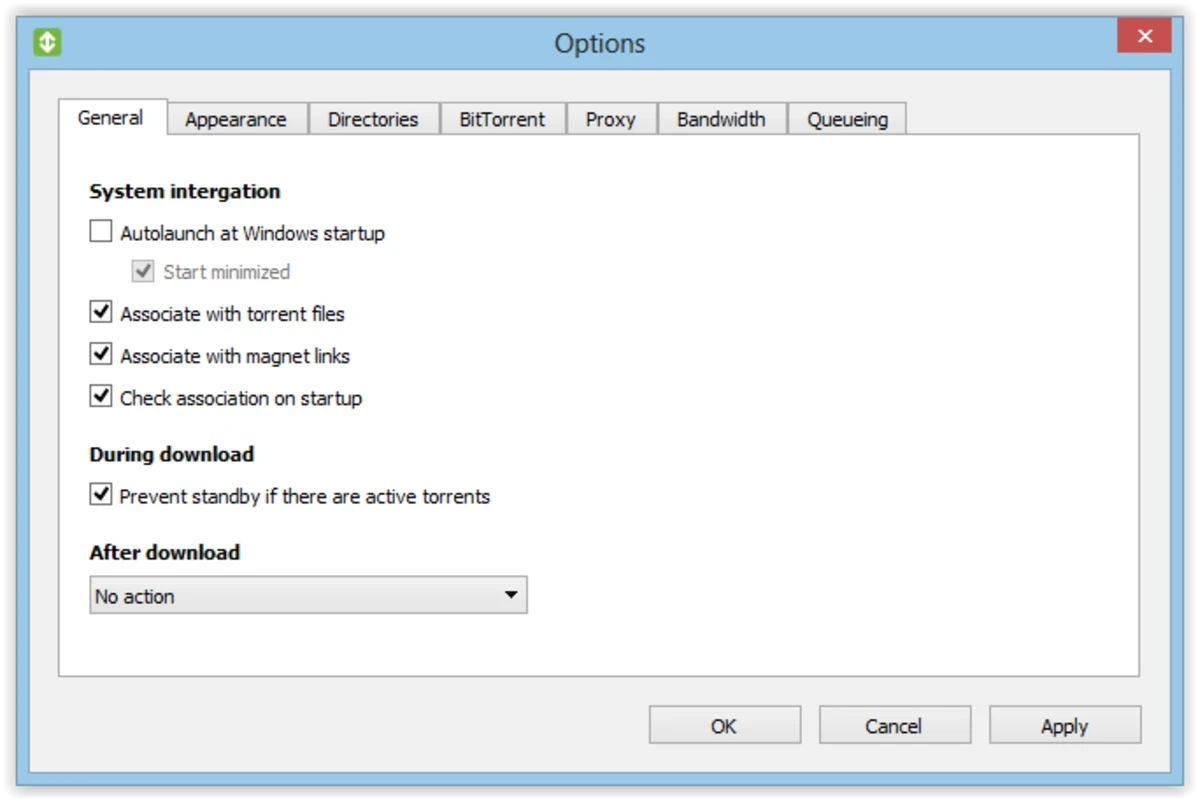
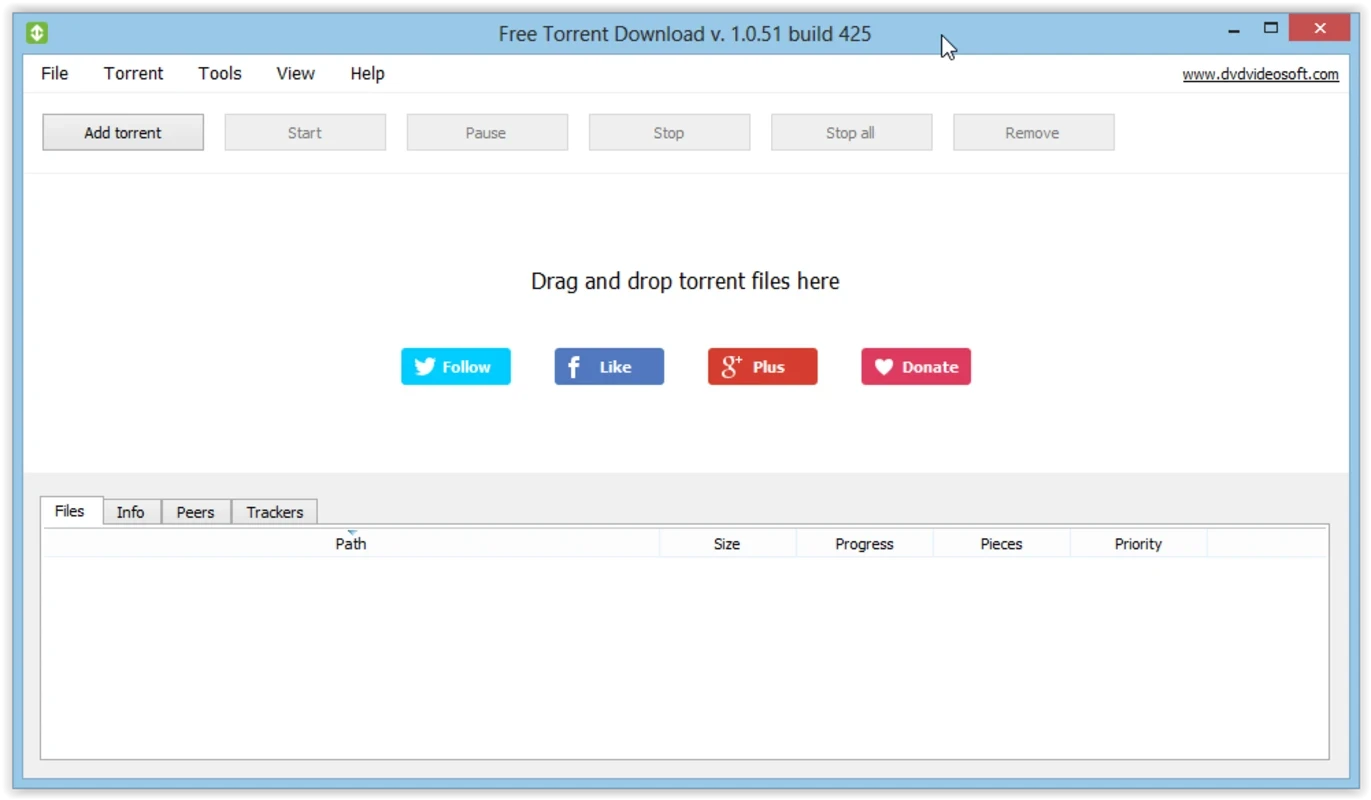
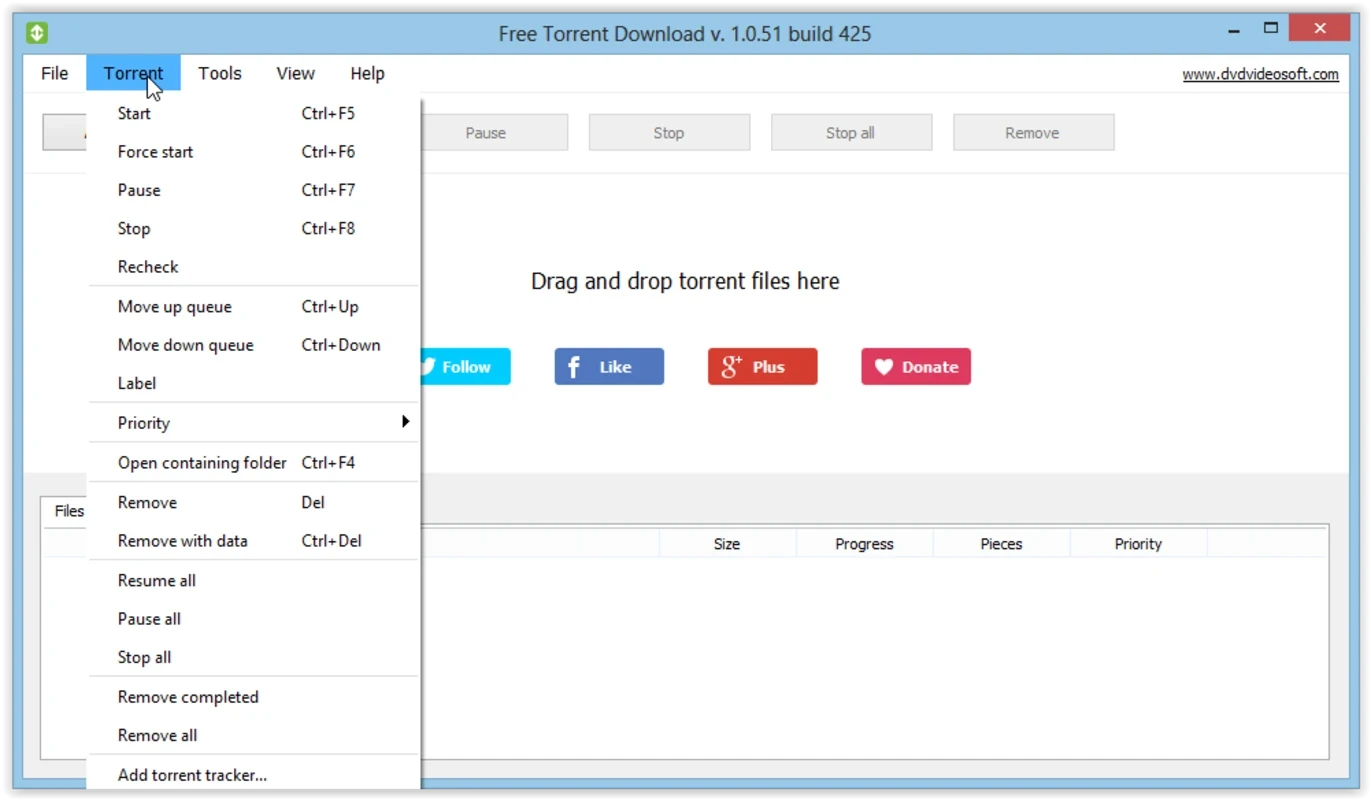
Torrent Downloader 1.0.73.000 is a free BitTorrent client for Windows from DVDVideoSoft, the developer of the Free Studio set of media tools. You download Torrent Downloader from the official DVDVideoSoft site when you need a simple program to open torrent files and magnet links without learning a complex interface.
It is a lightweight client for the BitTorrent protocol. Instead of downloading a file from a single server, a torrent client fetches small pieces from many users who already have it and, at the same time, shares the pieces it has received. That makes large downloads such as Linux distributions, open-source software, game patches or public domain films faster and more reliable, because no single server carries all the load. DVDVideoSoft built its client for people who do not want to fiddle with settings: you add a torrent, choose a folder and watch the progress bar. The program shows the download and upload speed, the number of connected peers and the estimated time left, and it lets you pause and resume tasks. Experienced users will miss features found in larger clients, such as detailed bandwidth scheduling, RSS feeds or search plugins, but for occasional downloads the short learning curve is the point.
Torrent Downloader runs on Windows and needs an internet connection and free disk space for the files you download. The installer is about 29.69 MB according to catalogue data. A router with port forwarding or UPnP helps reach more peers.
The client itself is legal; what matters is what you download. Sharing copyrighted films, music or games without permission is illegal in many countries, and because a torrent client uploads while it downloads, you also distribute the file. Stick to content that is openly licensed or that you have the right to share. Files from torrents can contain malware, so scan them before opening, and be suspicious of executable files posing as videos. The free installer may offer additional software, which you can decline.
Torrent Downloader is freeware. DVDVideoSoft offers paid subscriptions for some of its other tools, but the torrent client can be used without paying.
More feature-rich torrent clients on our site include qBittorrent, which is open source and ad-free, Deluge with its plugin system, BitComet and BitTorrent. For ordinary HTTP downloads, Free Download Manager and JDownloader are options.
qBittorrent is a free, open-source BitTorrent client with no ads. Version 5.2.3 is the current Windows release.

SHAREit is a free Windows app from the SHAREit Team for moving photos, videos and documents between a PC and a phone. The current version is 5.1.0.7.

Zapya for Windows is a free file transfer app from DewMobile for moving files between a PC and phones over a local wireless connection.

Easy Connection to Screen is Samsung's Windows app for showing a PC's screen on a compatible Samsung TV over a wireless connection.

Internet Download Manager (IDM) is a shareware download manager for Windows from Tonec that accelerates, resumes and schedules downloads.

uTorrent (μTorrent) is a small BitTorrent client for Windows from Rainberry (BitTorrent Inc) for downloading and sharing files over torrents.

AnyDesk is a remote desktop application for connecting to and controlling another computer over the internet, from a small Windows program.

ShareMe is Xiaomi's free app for sending files between devices without a cable; on Windows the Android app runs only inside an emulator.

Xender is a free file sharing app from the Xender File Sharing Team for sending files between phones and computers over a local connection.